レトロダンパーサポートページ 3753397
◼いたずら書き込み防止のため、すべての書き込みは弊社の承認後に公開されます
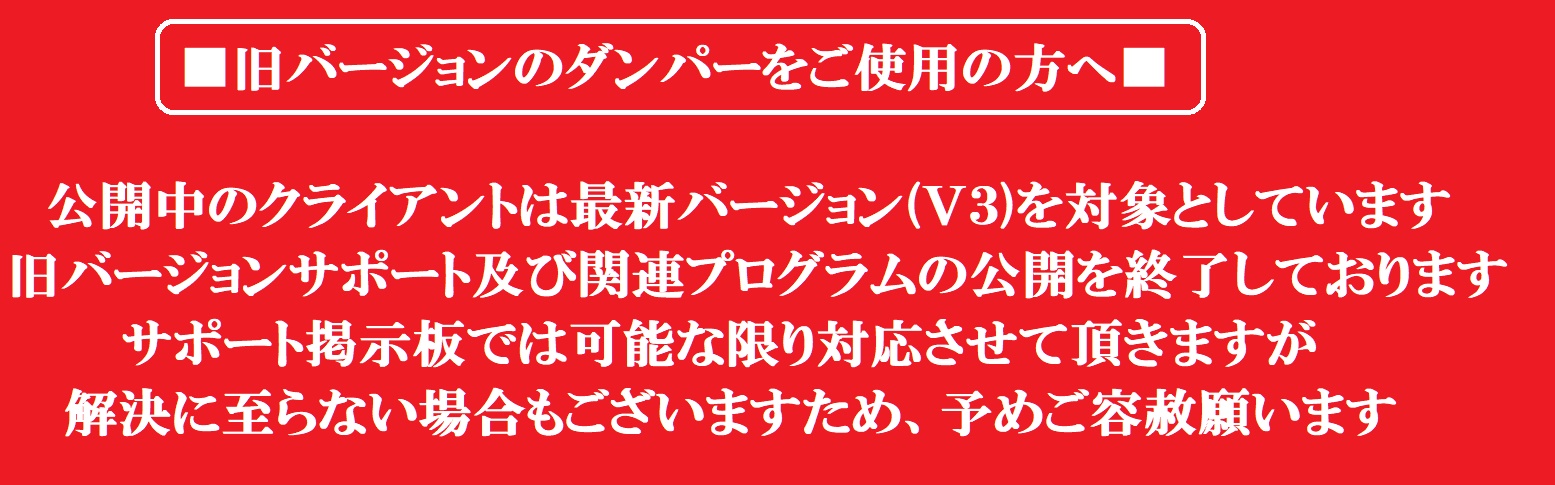
■古いダンパーをお使いの方へ 詳しくはこちらを御覧ください
■ファームウェア・クライアントの更新情報をメールでお知らせします → 「こちら」から登録が可能です
■公序良俗に反する内容、攻撃的な内容、個人情報、営業妨害と判断した内容は削除します
■「E-mail」欄は空白にしてください(いたずら防止のため)
■質問する際は必ず下記事項をご記入ください(※記入がないと回答できません)

①ダンパー名(例 SFCダンパーV3)
②ゲーム名と型番(例:HVC-DK、ステッカーに英数字で表記されています)
③カートリッジは実際のゲーム機で起動しますか?(する/しない)
④別のカートリッジは吸い出しできましたか?(できる/できない)
⑤PC環境(例:Windows10、OSのバージョン)
⑥クライアント(使用しているクライアントのファイル名を記入)
⑦ファームウェア情報(クライアントで、上部メニューから Help→Device Inforemation をクリックし、下記の内容を確認
Device: *****_FW***
Build date: 202*****
⑧表示されているログ内容など
NGP Flash Cart Compatibility
-
1:Chris Ahchay
:
2026/03/09 (Mon) 21:36:00
-
(1) Damper name (e.g. SFC Damper V3)
NGP Dumper
(2) Game name and model number (e.g., HVC-DK, alphanumeric on the sticker)
Flashing homebrew ROMS
(3) Does the cartridge start on a real game console? (Do/Don't)
Does not apply
(4) Could you suck out another cartridge? (Can/Can't)
Other cartridges work fine
(5) PC environment (e.g., Windows 10, OS version)
Windows 11
(6) Client (enter the file name of the client you are using)
MultiDumper_full_win_20260204
(7) Firmware information (in the client, click Help→Device Inforemation from the top menu and check the following contents
Changed to NGP
Device information:
Device: NGP_G0B1_FW400
Build date: 20260122
Driver letter: F:\
Volume: NGP
Bootloader: BOOT_NGP_G0B1_V004
Device in bootmode: 0
Device type: DEVICE_MSC
(8) Displayed log contents, etc.Changed to NGP
Check flash cartridge...
Flash ID: EC 2F 80 80.
Check flash cartridge error.
>Operation failure.
I am having problems flashing to some third party carts - others from the same supplier work okay, but these may be different types
I am getting the error as above "Check flash cartridge error" with flash ID EC 2F 80 80 -
8:Chris Ahchay
:
2026/03/20 (Fri) 01:21:54
-
>>7
That partially works - the write operation appears to work, but doesn't work on console
When I dump the newly flashed ROM and compare to the original, it is identical up to address 0xfff and then gets garbled
Sorry for the repeated information, the BBS doesn't seem to work unless I put that header in
(7) Firmware information (in the client, click Help→Device Inforemation from the top menu and check the following contents
Changed to NGP
Device information:
Device: NGP_G0B1_FW400
Build date: 20260122
Driver letter: F:\
Volume: NGP
Bootloader: BOOT_NGP_G0B1_V004
Device in bootmode: 0
Device type: DEVICE_MSC